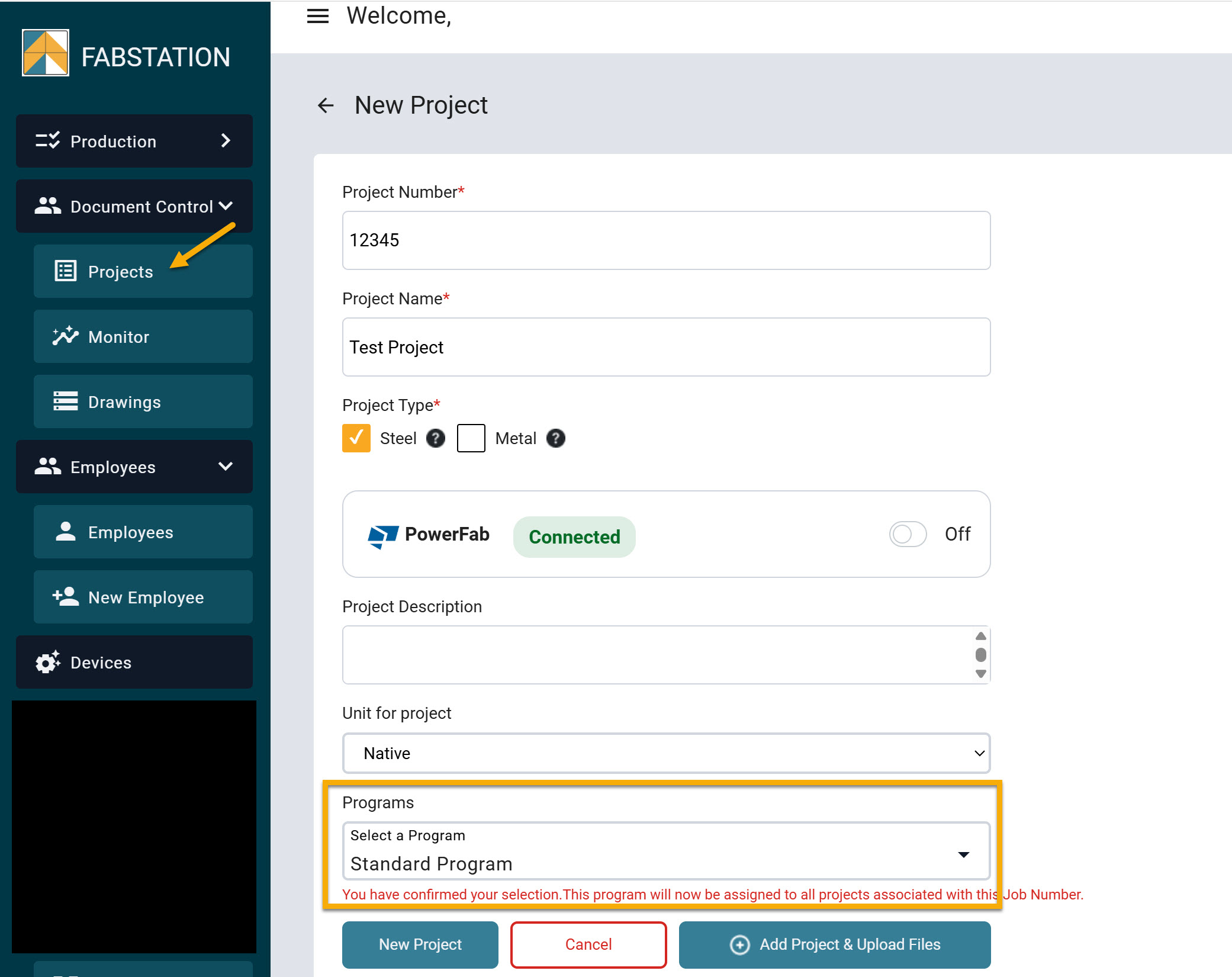
When creating or uploading a project in FabStation on the web portal, you can choose how your team will track production on the shop floor. FabStation offers three program options depending on how you operate and what level of production tracking you need:
Standard Program,
Fabricate-Inspect Legacy
NO program
This article explains each option and how to choose the one that fits your workflow.
1. Standard Program (New in 2025)
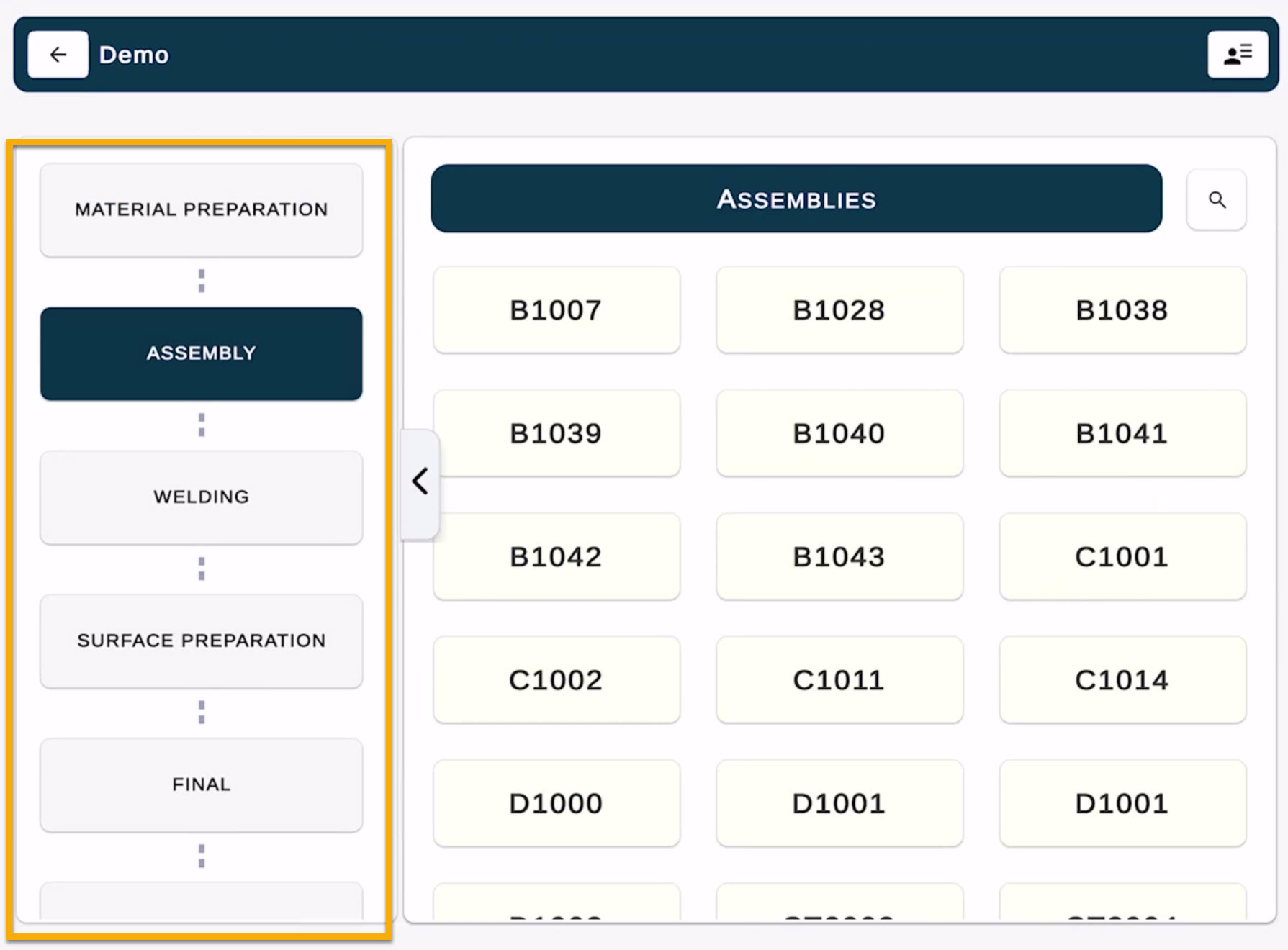
The Standard Program is our new recommended workflow for shops using production tracking. It includes the full sequence of fabrication and quality control stages.
Stages Included:
Material Preparation
Assembly
Welding
Surface Preparation (e.g., coating / paint)
Final
Shipping
This program provides:
Clear progress updates and time trackers at every stage.
Visibility across departments (layout, welding, QC, shipping).
Built-in tasks to resolve issues before assemblies leave the shop.
Use this program if your shop wants structured production tracking and traceability.
2. Fabricate–Inspect (Legacy Program)
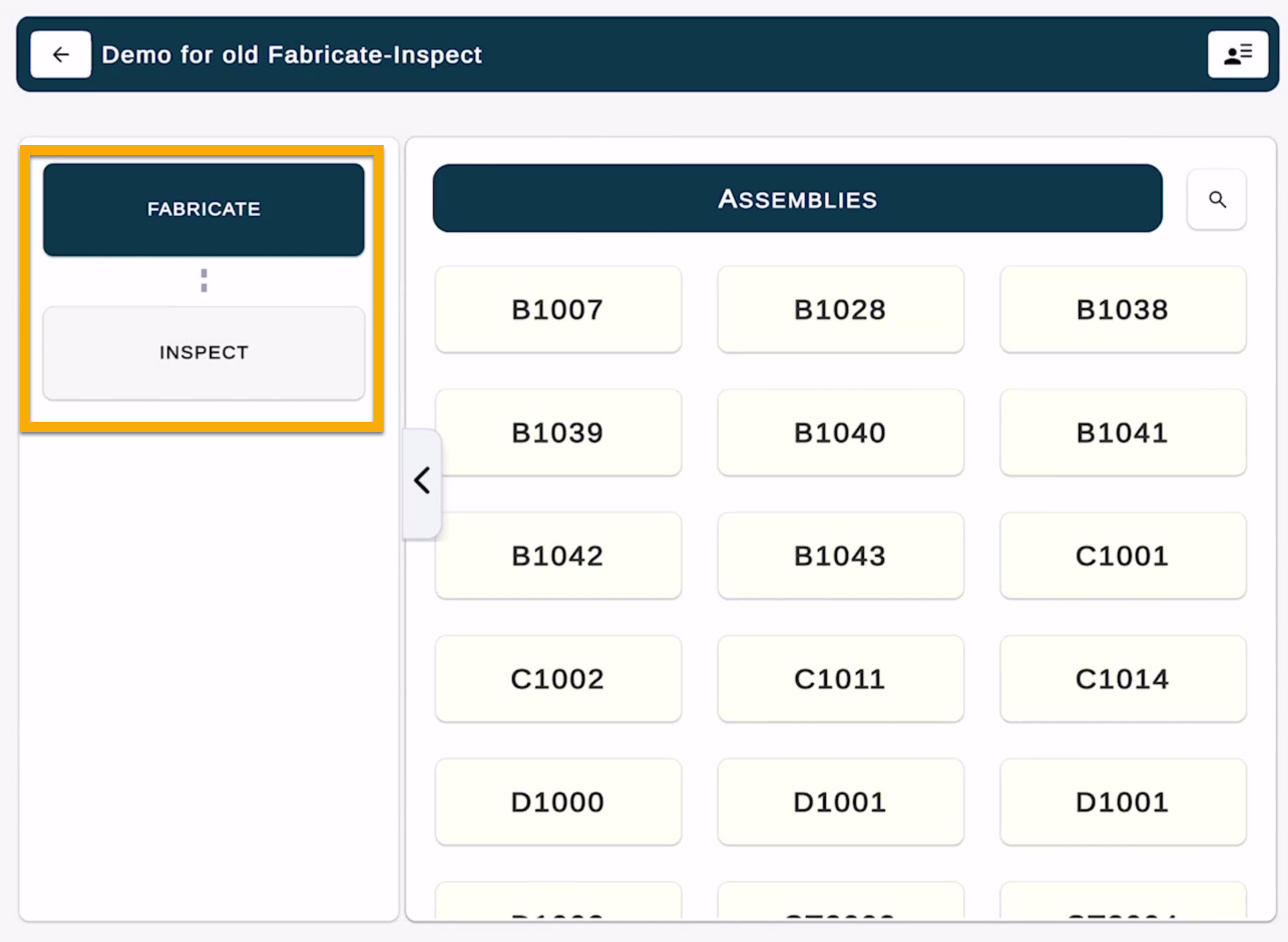
The Legacy Program mirrors the original FabStation workflow and contains only the two traditional stages:
Fabricate
Inspect
This option is best if your team is already familiar with the existing process and wants to continue using FabStation without adding new steps.
Nothing about your workflow changes, just the layout in the app.
3. No Program (FabStation Tools Only)
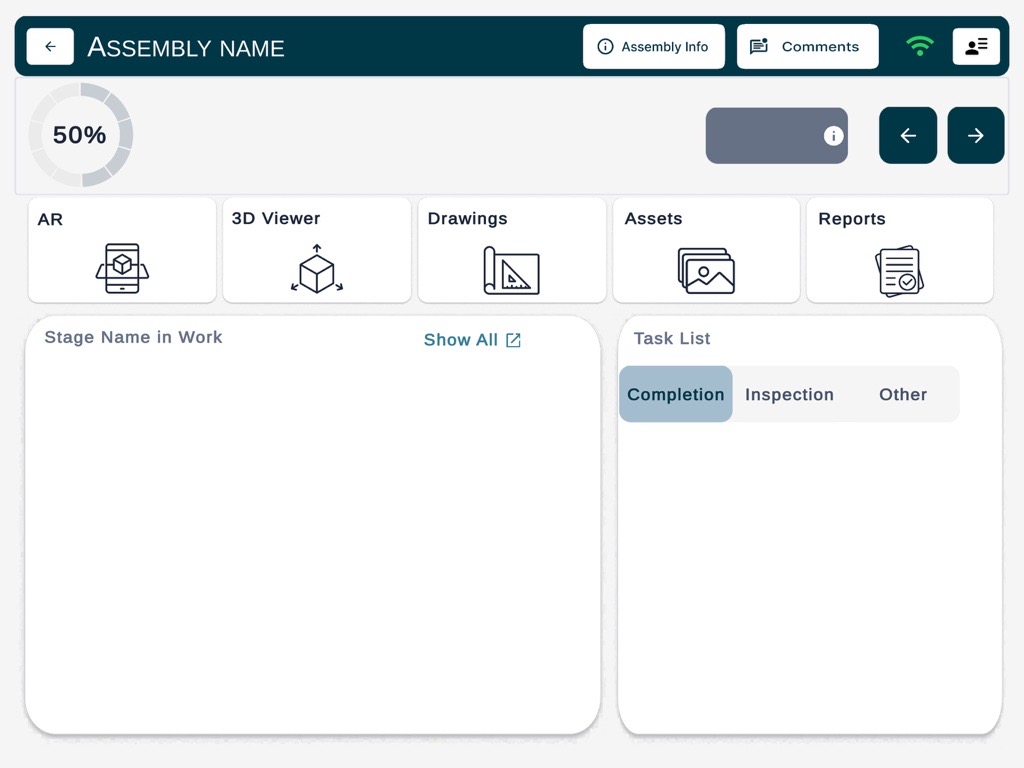
If you select No Program, your project will not use production stages or assembly status tracking.
You will still have access to all core FabStation tools:
Feature
Available in View Mode?
AR Alignment
✅ Yes
3D Viewer
✅ Yes
Drawings
✅ Yes
Assets (Photos)
✅ Yes
Reports
✅ Yes
Production Tracking / Stages
❌ Not included
Choose this if your shop prefers to use FabStation just for AR and reference tools, without updating production progress inside the app.
Custom Programs
If your shop has its own workflow or specific inspection steps, we can help create a custom program tailored to you. To request customization, email: support@fabstation.com