You can easily track unresolved errors in your workflow using Inspection Check, Reports, and the Final Stage in FabStation. This ensures that issues are properly documented and resolved before an assembly moves forward.
Track Errors Using Standard Program
1. Use the Inspection Check Task
In the Assembly, Weld, and Surface Treatment stages, use the Inspection Check task located under the Inspection category.
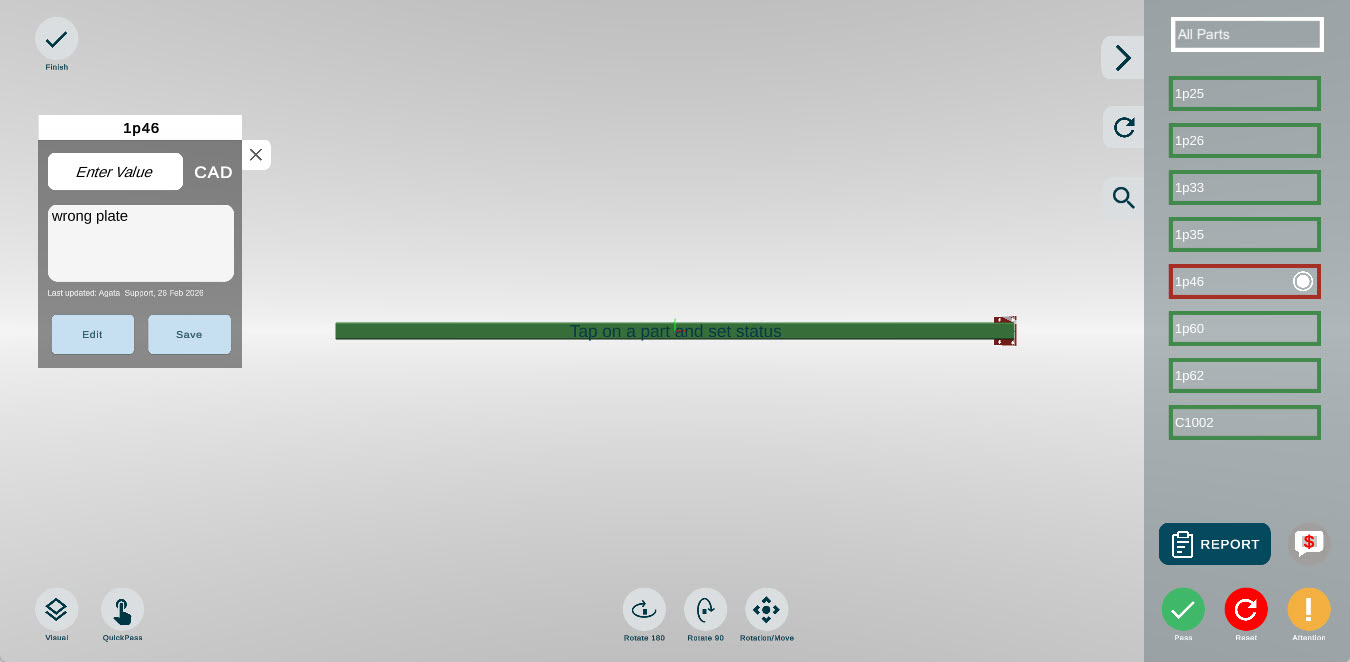
Within this task, inspectors can review parts and mark any that do not meet requirements.
Steps:
Open the Inspection Check task.
Review the parts in the assembly.
Mark any parts with issues as Failed.
Marking a part as Failed flags it as an issue that must be addressed before the assembly can move forward.
2. Submit a Non-Conformance Report (NCR)
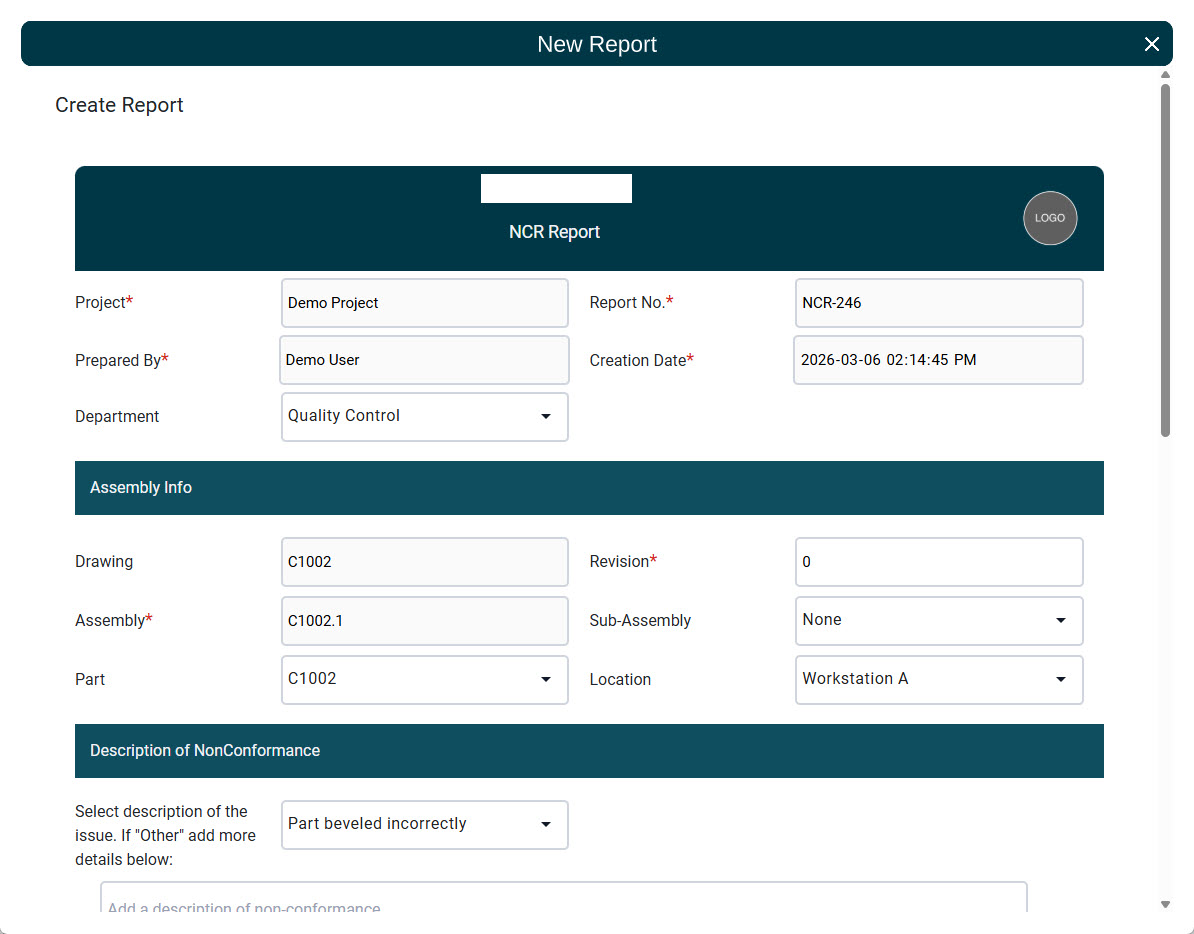
If a defect or issue requires documentation, you can submit a Non-Conformance Report (NCR).
When creating an NCR, you can select the appropriate resolution type:
Revision
Scrap
Rework
The report will remain in Open status until all items included in the report are completed.
This allows teams to track the issue, document corrective actions, and ensure that the problem is properly resolved.
Review Blockers in the Final Stage
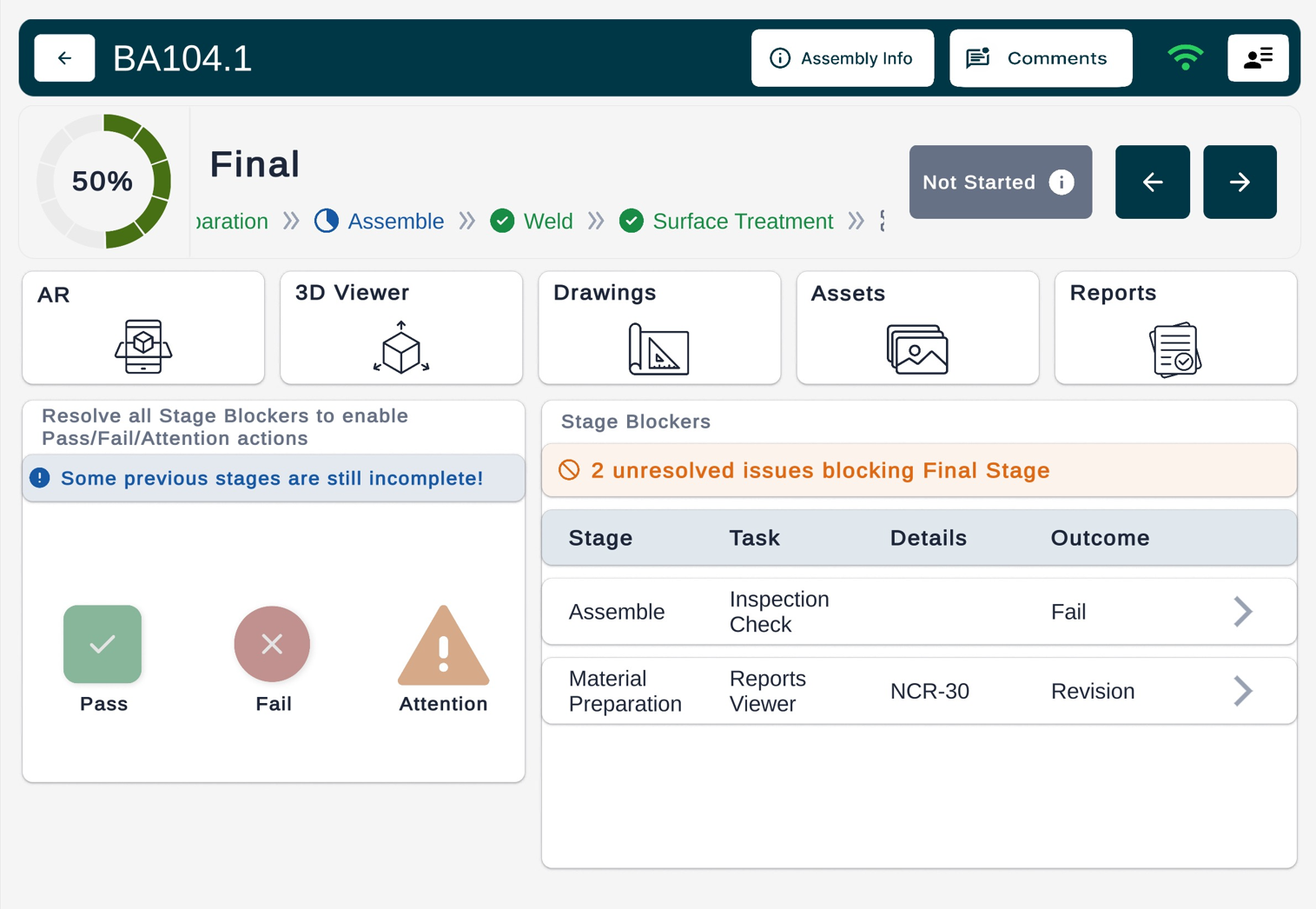
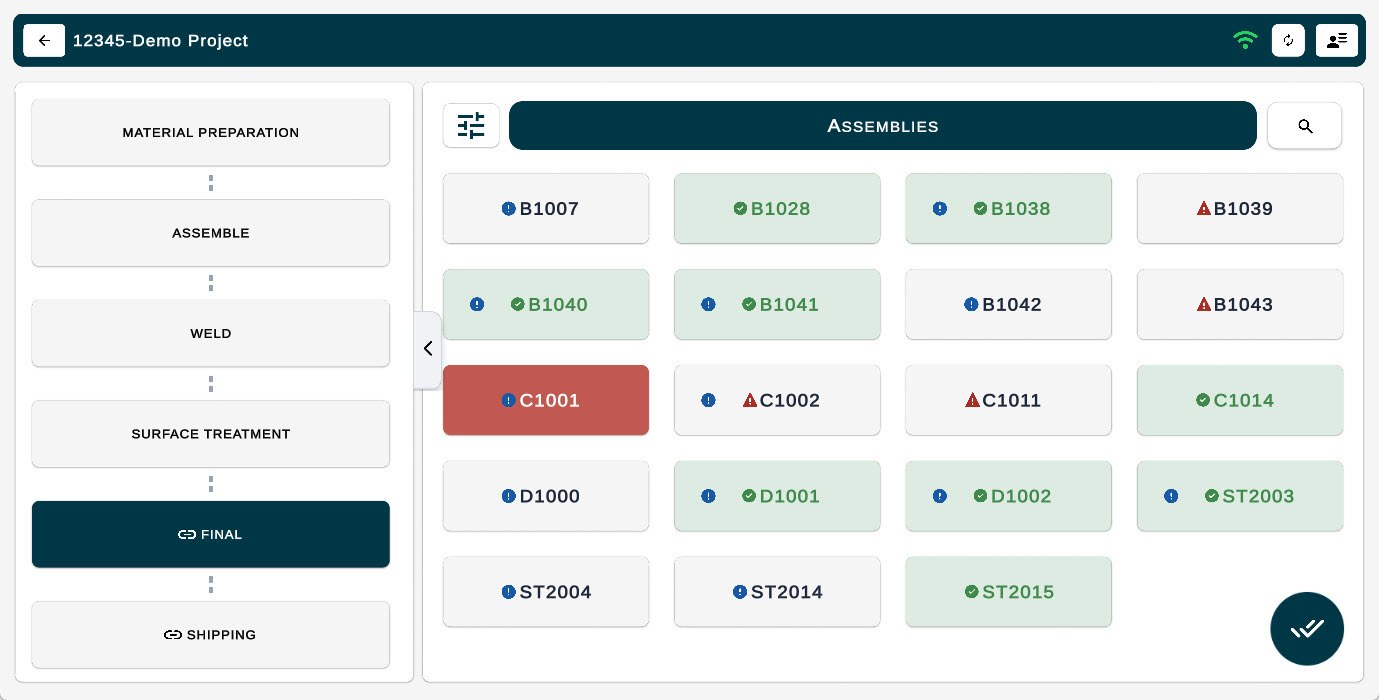
Any Open Reports or Failed parts will automatically appear as Blockers in the Final Stage.
These blockers prevent users from completing the Final Stage until all issues have been resolved.
This ensures that:
All inspection issues are addressed
NCRs are completed
Assemblies are not shipped with unresolved problems
Why This Matters
Using Inspection Check, NCR reports, and Final Stage blockers creates a clear quality control process that:
Tracks unresolved issues
Prevents incomplete inspections
Ensures assemblies are not shipped until all problems are resolved
This workflow helps maintain quality, accountability, and traceability throughout the fabrication process.
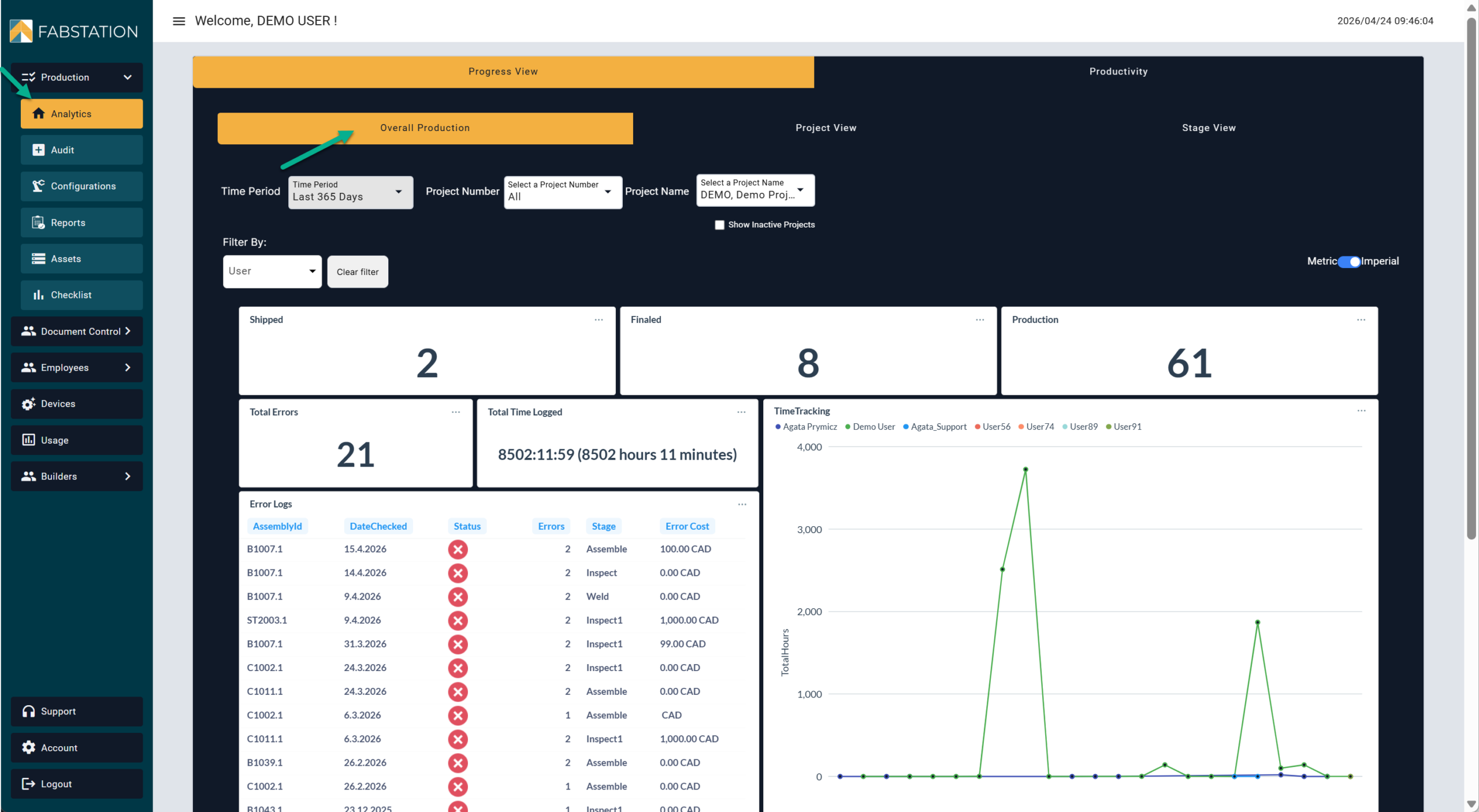
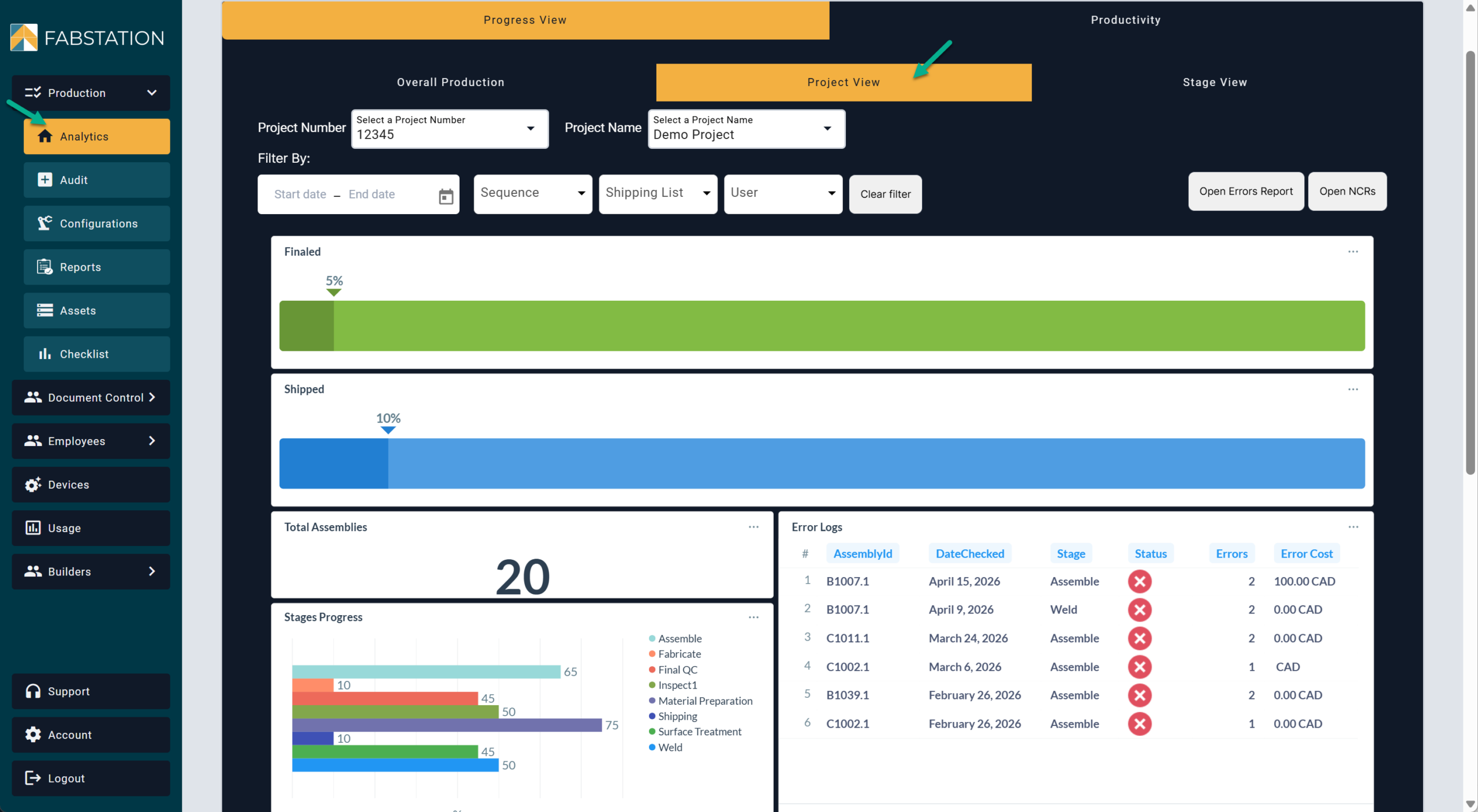
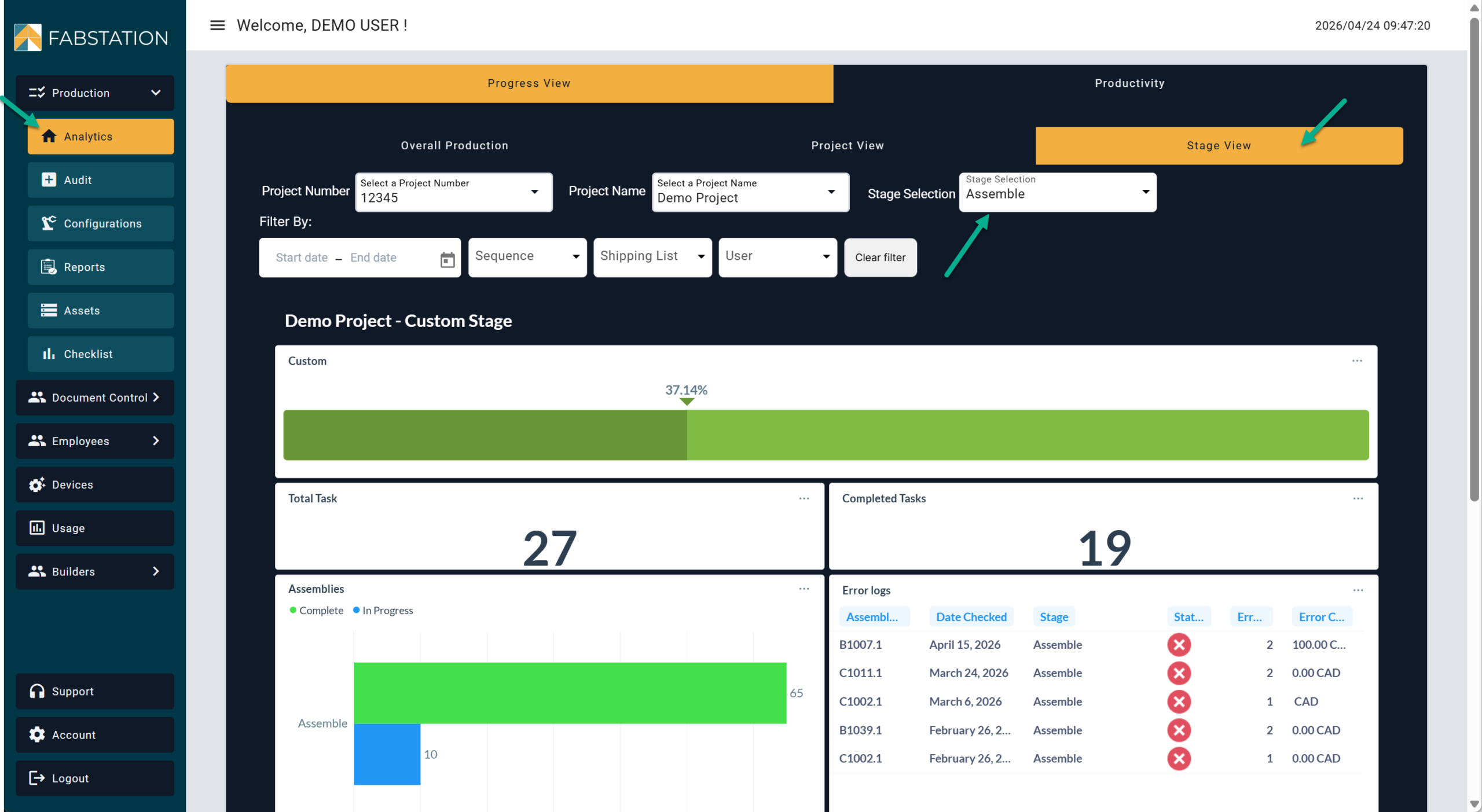
You can track both unresolved and resolved errors in the web portal. Go to Production>Analytics, from there FabStation offers three views:.
Overall Production This view shows what is happening across the full shop.
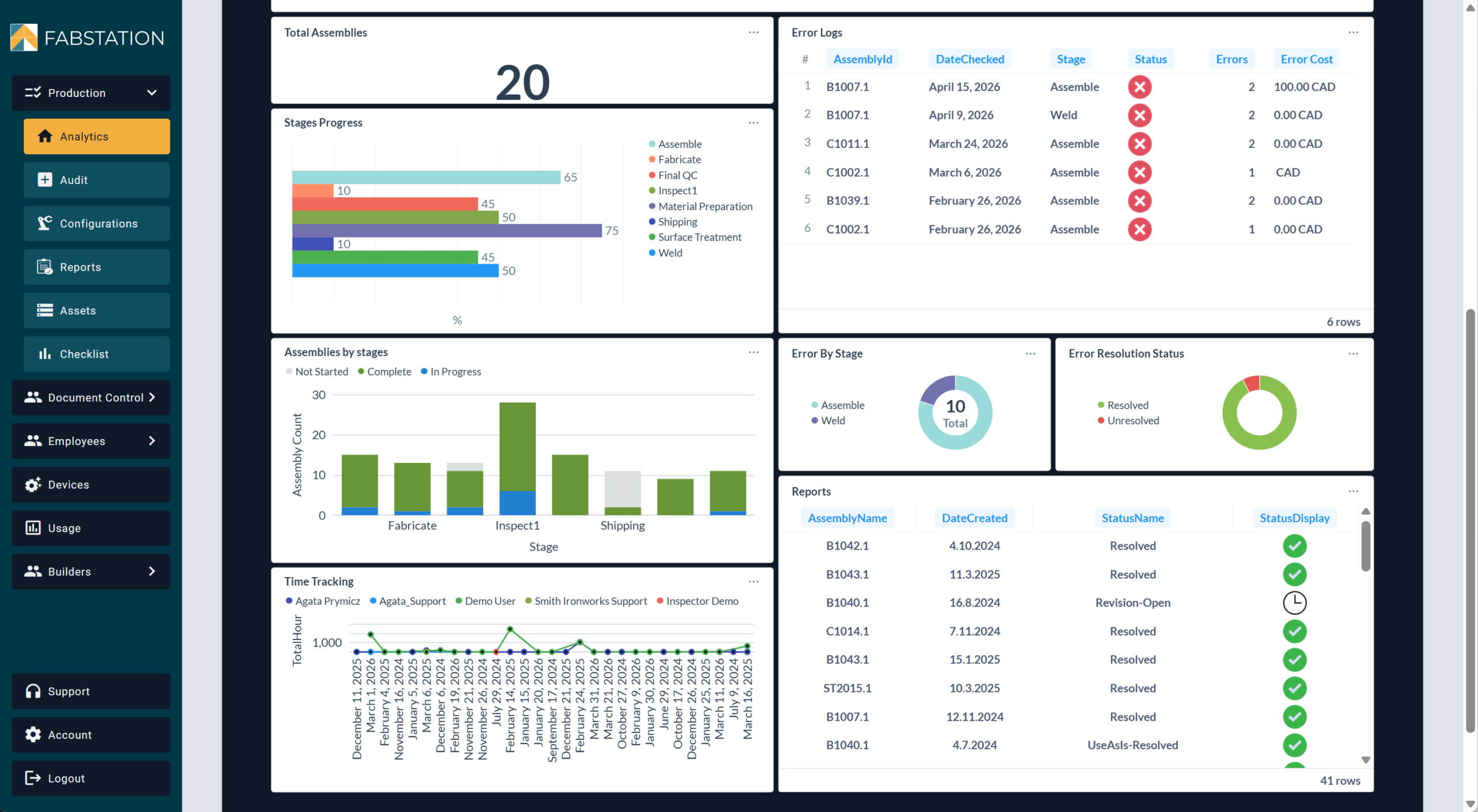
Project View This view shows graphs and data for a specific project. Including errors logs, errors by stages, error resolution status, progress at each stage, assembly by stages, time trackers and reports.
Stage View This view shows what is happening during a specific stage or department. Includes tasks, assemblies at each step, errors and time trackers.