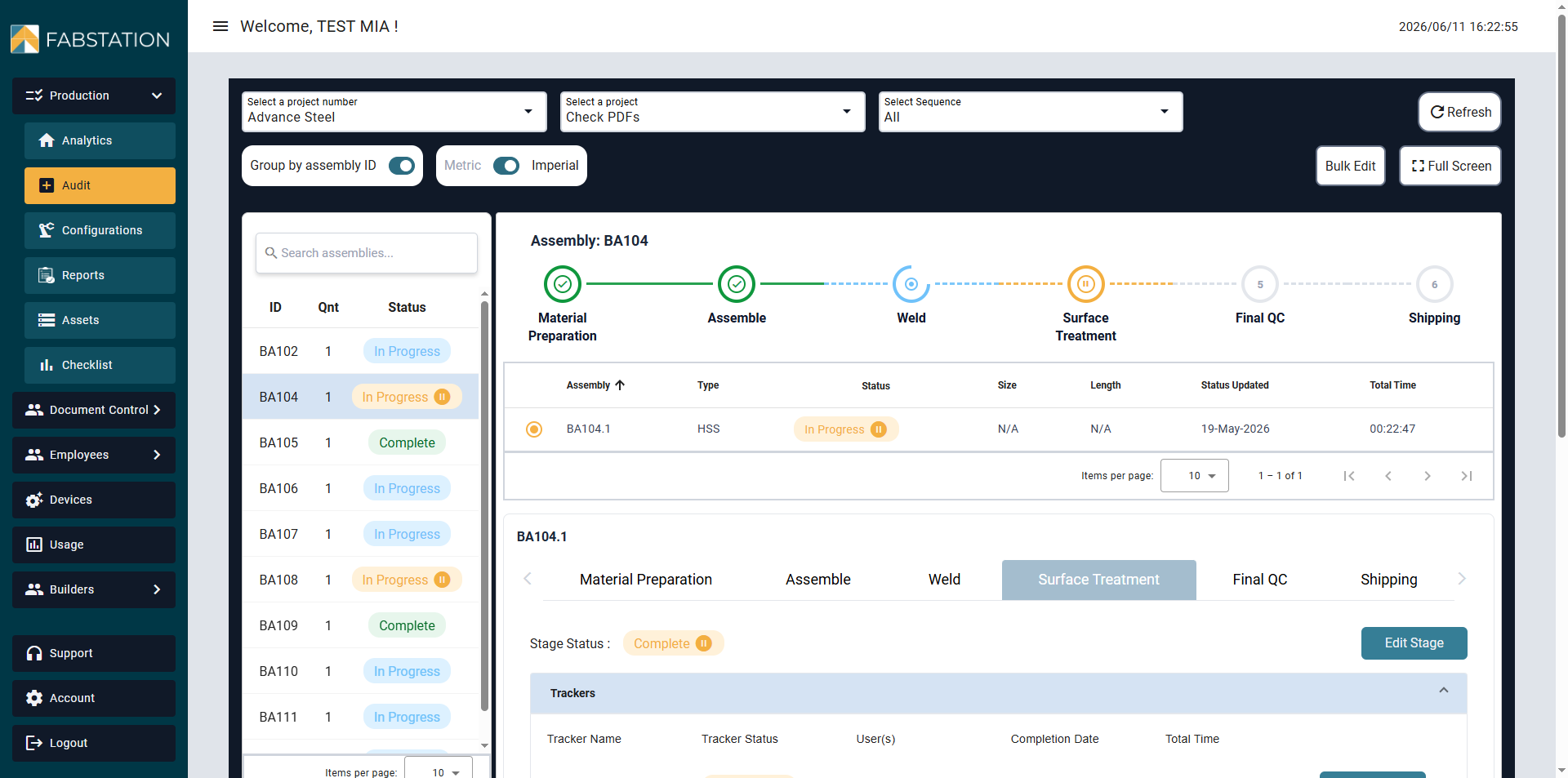
You can use the following statuses in FabStation: Not Started, In Progress, Paused(super-status) and Complete.
In Addition, there is a super-status On Hold, that set the whole assembly group on Hold for all the stages.
How to use Statuses
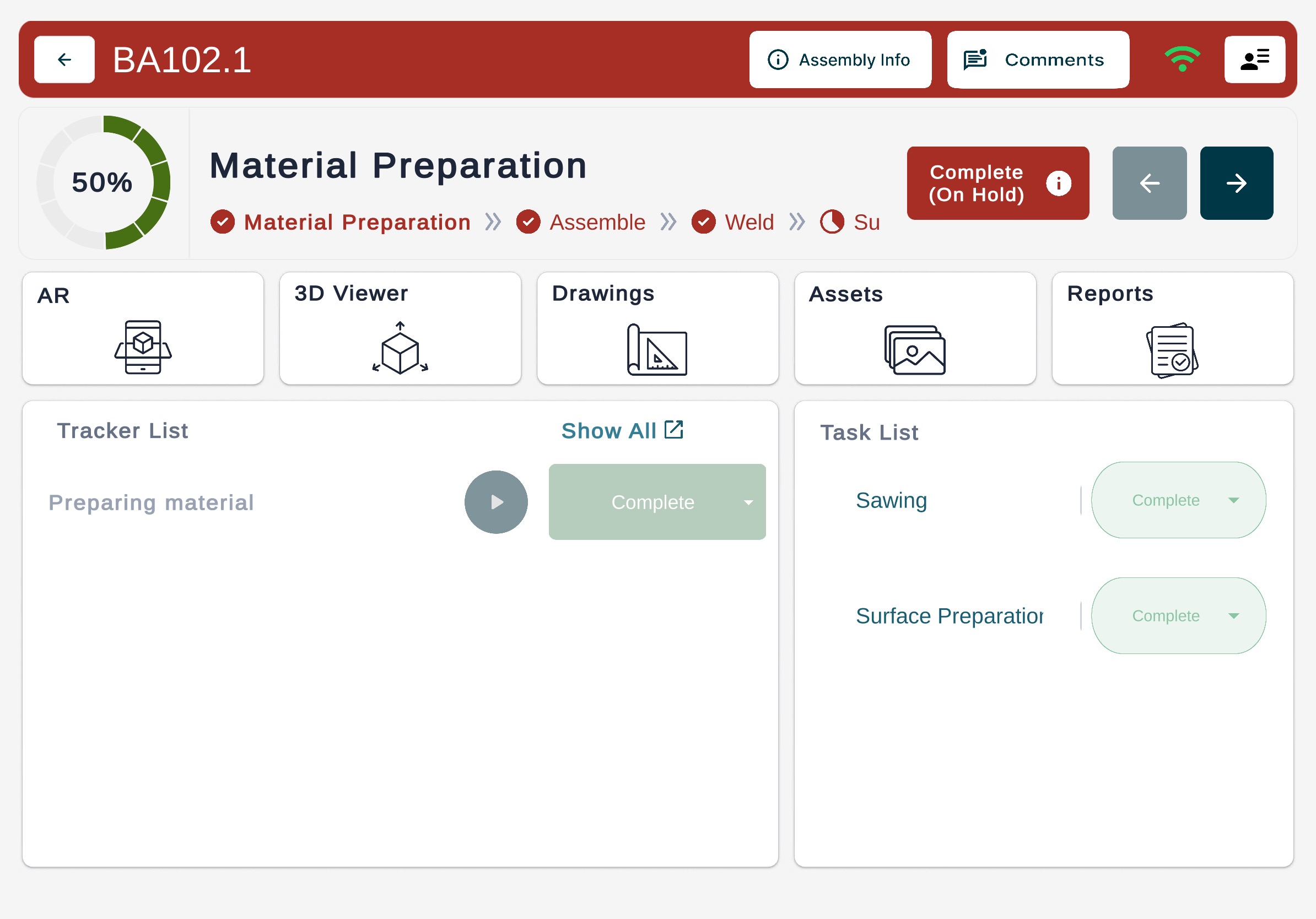
In FabStation user can update assembly status for a particular stage from the App (except On Hold), using Trackers:
Audit Page (except On Hold), or Data (On Hold only):
Pausedis super-status as in FabStation is “freezes” current status (Not Started – In Progress – Complete), but since there is no corresponding status in PowerFab, it will not change PowerFab current status whether it’s Not Started or Complete.
But if assembly was set as Paused in FabStation, it’s only possible to lift it in FabStation.
On Hold in FabStation is also a super-status, but while Paused“freezes” a specific quantity and specific station (i.e. B100.1 – Welding), on Hold is used by Admins only from the Webportal to stop production completely. If you set assembly, it will look like this:
And you will not be able to update any status\stage\task until Hold is lifted from the Webportal > Data.